Sony a6000 FAQ
What is the AEL button / function on my Sony a6000?
The AEL button on the Sony a6000 allows you to lock the exposure while composing your photograph.
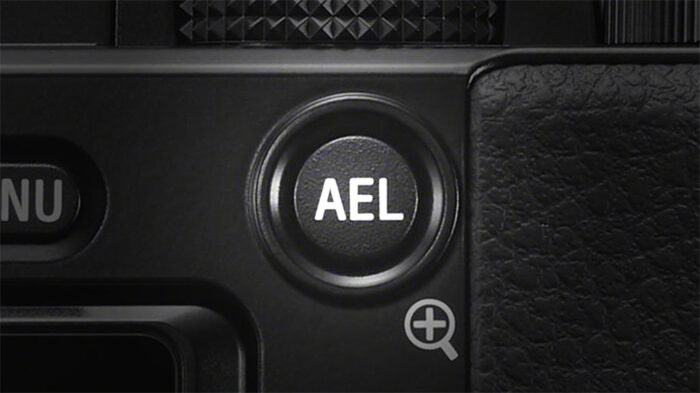
For example, if you’re taking the picture of a friend and the sun is behind him, you’re in a high contrast situation because the sun behind your friend is brighter than his face. Using an automatic or semi automatic shooting mode (Auto / P / A / S), you can move the camera while it meters (measures the exposure) until you find the right brightness on your friend’s face. Then by pressing the AEL button, you can lock the exposure and make sure it doesn’t change if you move the camera again.
When the exposure is locked, a * symbol will appear on the screen. You must press and hold the AEL button to maintain the exposure lock. If you release the button, the exposure will reset.
AEL Lock can be assigned to a button other than AEL (Menu / Custom Settings / Custom Key Settings). If you set Menu / Custom Settings / AEL w/shutter to On, the camera will lock the exposure when you half press the shutter button.
Is the Sony a6000 good for video?
Yes. The Sony a6000 is capable of delivering good video quality with sharp footage in Full HD (1080p) and good high ISO performance. With firmware 2.0, you can use the XAVC S codec which records at a higher bitrate than AVCHD (50Mbps vs 28Mbps). It is a good camera if you’re just starting out and are on a tight budget. It will give you good results for family videos or other simple movies. The a6000 is also good for YouTube uploads.
You will find different settings in the menu. To start recording video, you can switch to the movie mode with the dial on top and press the dedicated movie button located on the right edge of the thumb grip. You can also a start video recording at any moment (regardless of the shooting mode selected) by pressing the same button, but be aware that the camera may not use all the settings selected while in movie mode.
Does the Sony a6000 have S-Log profiles?
No. The Sony doesn’t have any Log curves nor does it have the Picture Profiles, Sony’s advanced settings for video. You have to rely on the Creative Styles which are the same profiles designed for still shooting.
Log profiles allow you to record video footage with a wider dynamic range and have more control when colour grading in post production. Later models such as the A6300 and A6400 can record with this setting.


Does the Sony a6000 have a mic input?
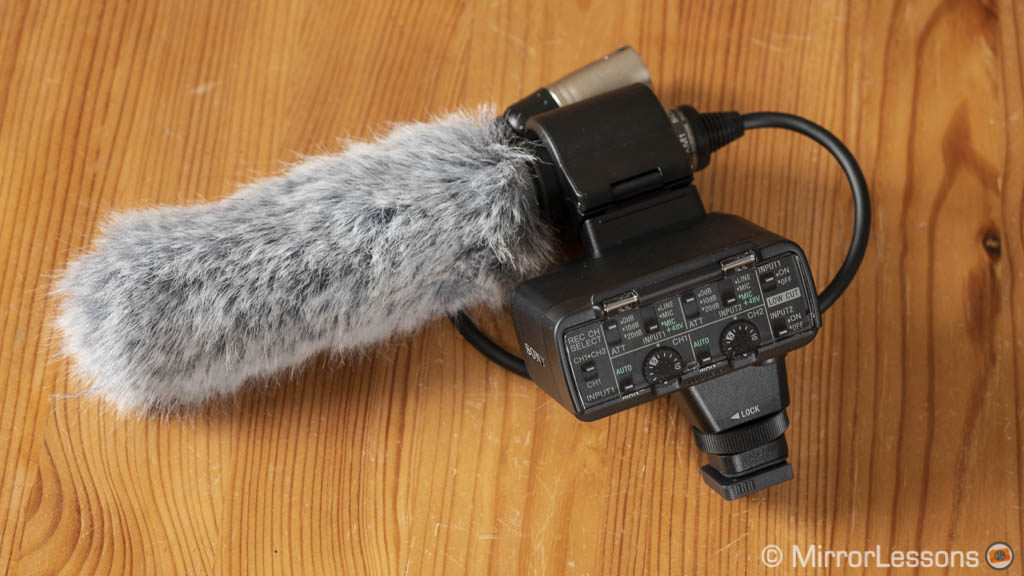
No. The Sony a6000 doesn’t have a mic input in the form of a traditional 3.5mm jack analog input. The camera can record sound with the built-in stereo microphone which is better than nothing but won’t give you high quality results, nor will it be able to properly separate someone’s voice from the noise in the background.
However if you really want to add a microphone, you can look for Sony microphones that are compatible with the Multi-Interface shoe on top of the camera such as the Sony XYST1M. With this solution, you won’t need a mic input because the microphone will transmit sound to the camera via the electronic contacts of the shoe.
Does the Sony a6000 have Eye AF?
Yes. The a6000 has Eye AF. It only works in Single AF, not with continuous AF. It can detect eyes on people’s faces but it doesn’t work with animals. It is one of Sony’s first integrations of eye detection technology and although it is not as fast or reliable as that of the latest E-mount cameras, you will get decent results.

https://mirrorlesscomparison.com/


Comments
Post a Comment